Bearhub

The challenge is to design "BearHub", a platform that addresses the diverse needs of Berkeley students by facilitating the discovery of clubs and resources tailored to their individual preferences. Our goal is to personalize and streamline the school experience, making it effortless for students to find and engage with the resources they need, thus enhancing their academic and social journey at Berkeley.

Team Members
    Jiayu Wang
    Jennifer Zhu
    Meghana
    Jecy Liu
Project Duration
15 weeks (Spring 2024)
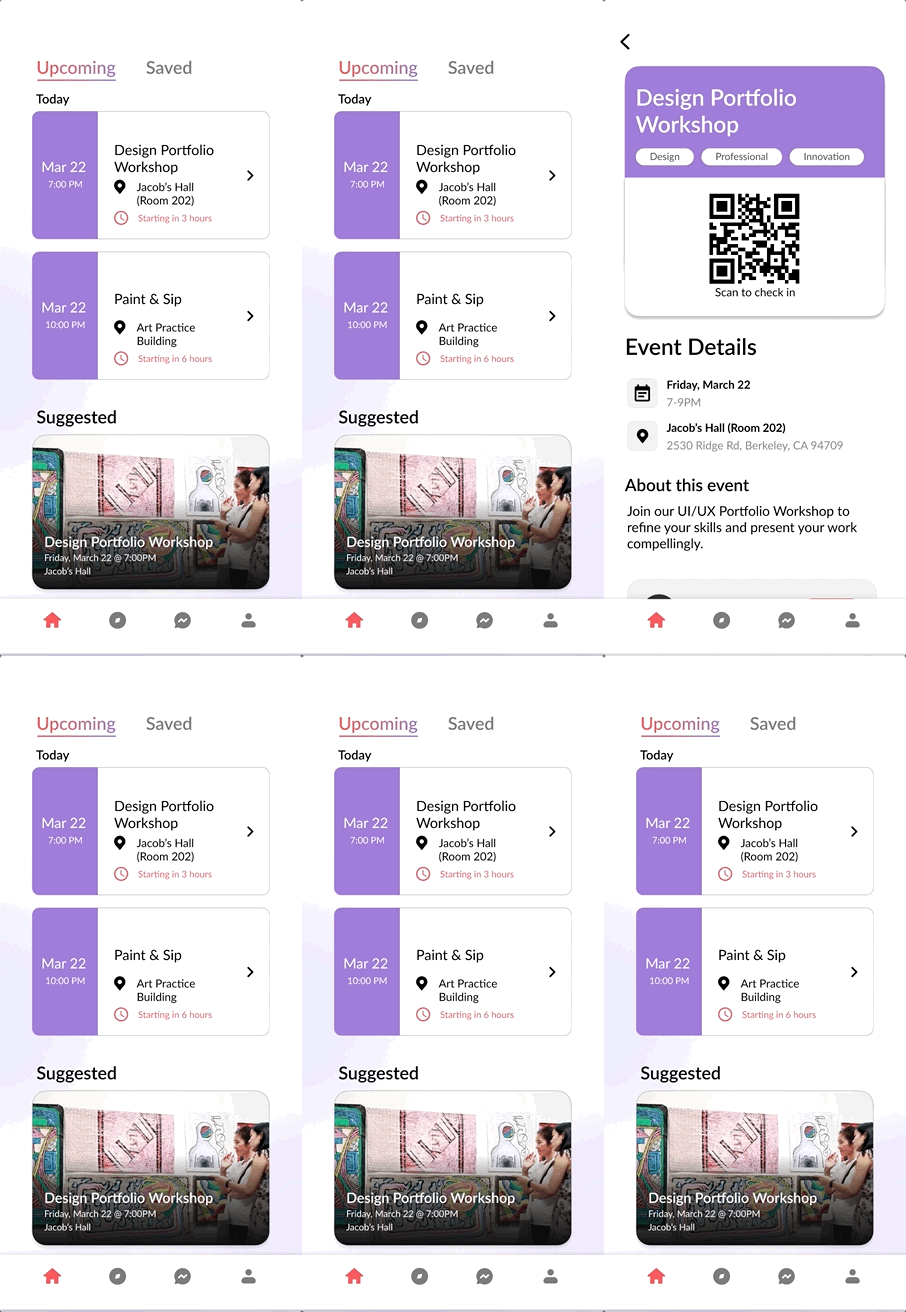
Bearhub mobile screens composite
Research Question

How Might We...
make club/event resources more accessible and convenient for students?

User Research

Methods

Competitive Analysis
User Interview
User Survey

Results

Platforms students use the most…

Instagram
Email / Newsletter
Slack
Tabling

Students care about…

  • Professional Development
  • Major-related info & Club info
  • Campus events
  • Social/culture events

Features that stood out…

  • Accessibility
  • Convenience (already use it often)
  • Save/retrieve later
  • Up-to-date info
  • Personalization
First Iteration

Thinking Process & Iterations

Design Thinking • I

How to arrange the navigation bar?

Features to include

Search Events Clubs Messaging Profile Saved

Solution

Progressive Disclosure: Remove “Club” from the primary navigation bar to shift the app’s main focus to “Events.”

Initial User Flow

User flow from onboarding to navigation bar, then search, messaging, events, and profile.

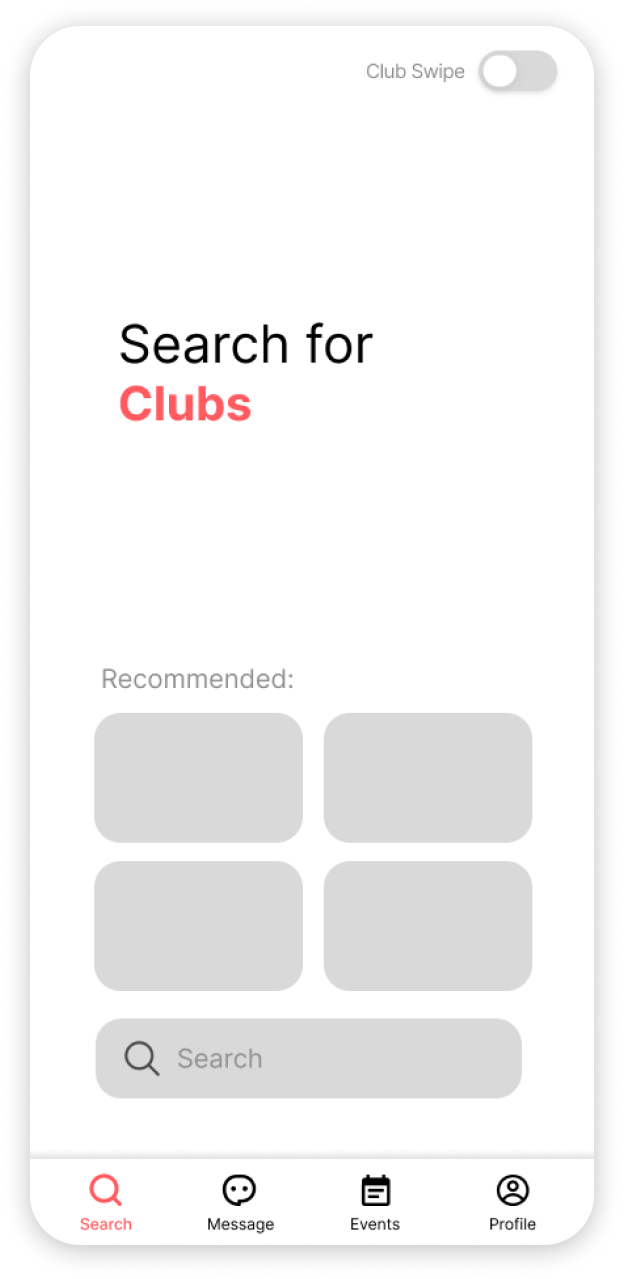
Initial Mid-fi Prototype

Search page mockup
Search page
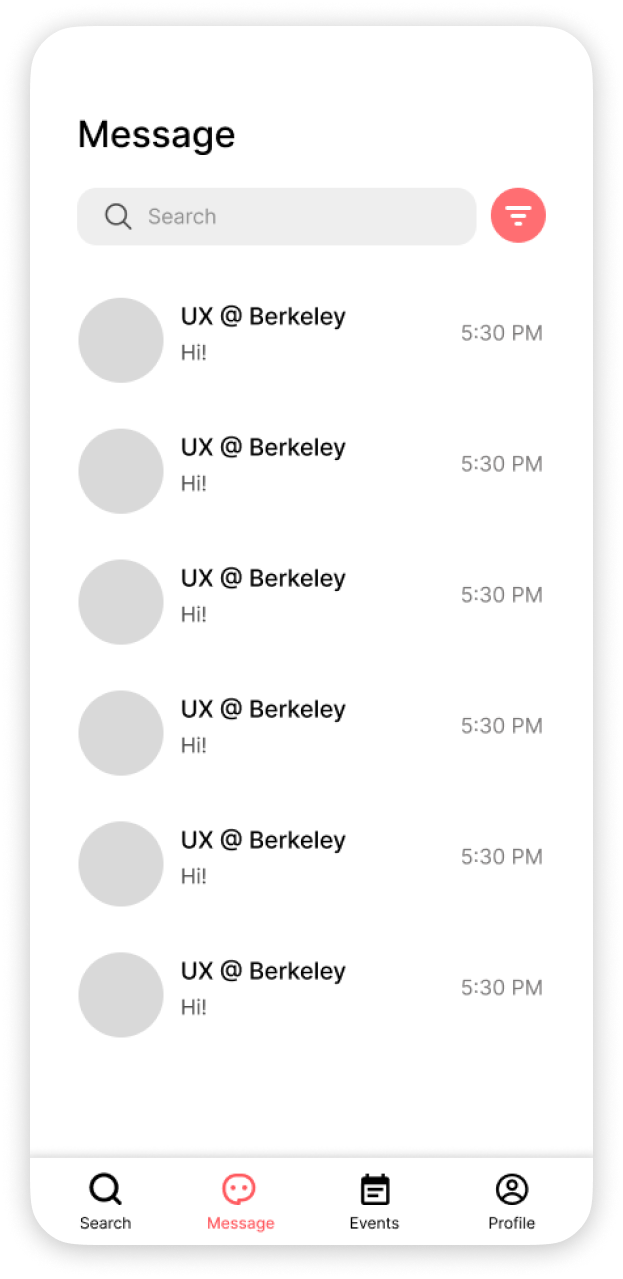
Messaging mockup
Messaging
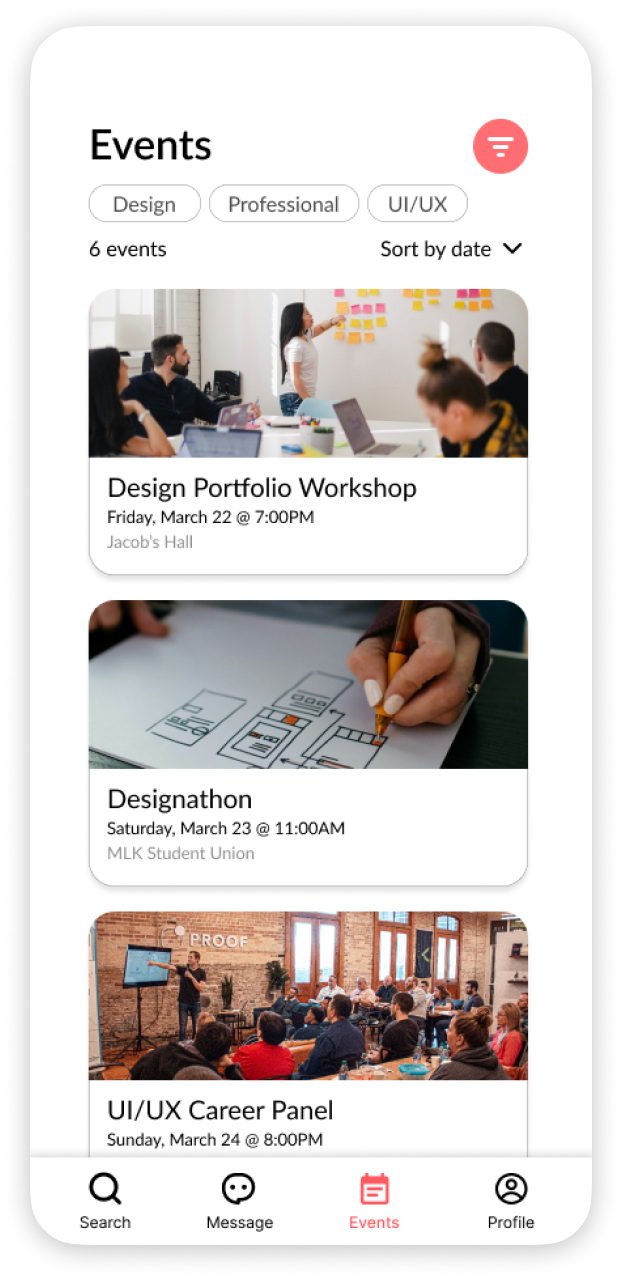
Campus events mockup
Campus Events
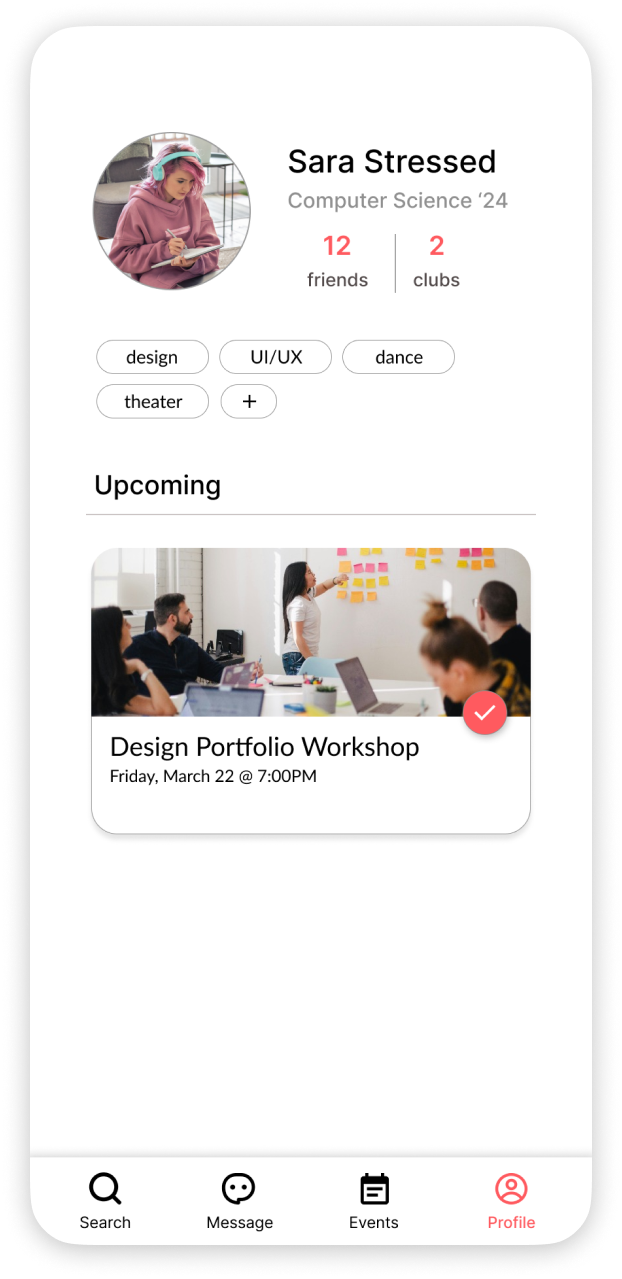
Profile page mockup
Profile Page
Second Iteration

Defining a Home Page

Design Thinking • II

How to make better use of the homepage?

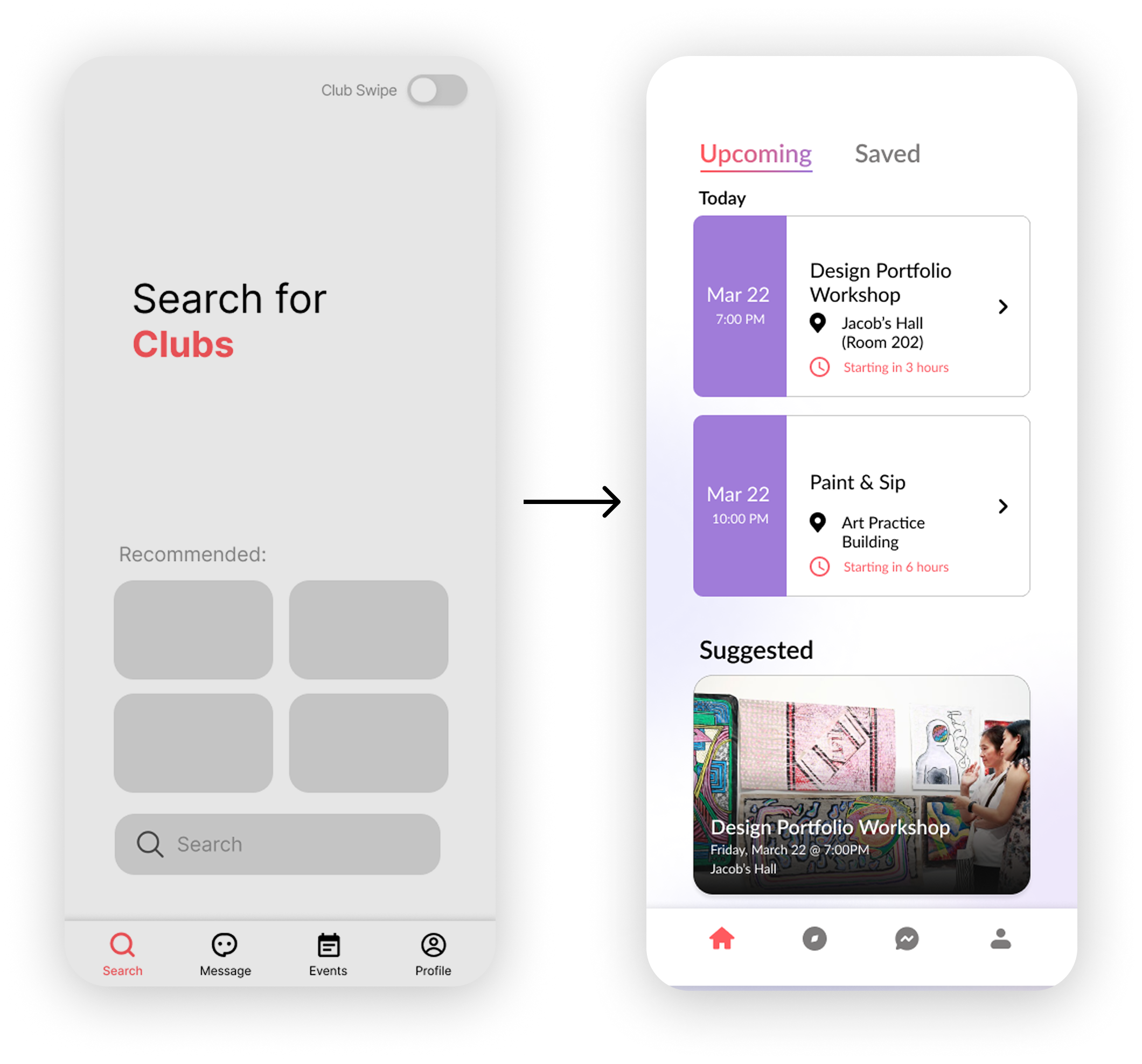
Initially, the idea was to make discovery page the home page. However, this results in an extra step for users if they want to check their upcoming events.

Solution

Make “my upcoming events” the home page, and add suggested events on the page to make it useful for checking upcoming events as well as discovering new ones.
Keep the search page as the second tab for quick searches with filtering options.
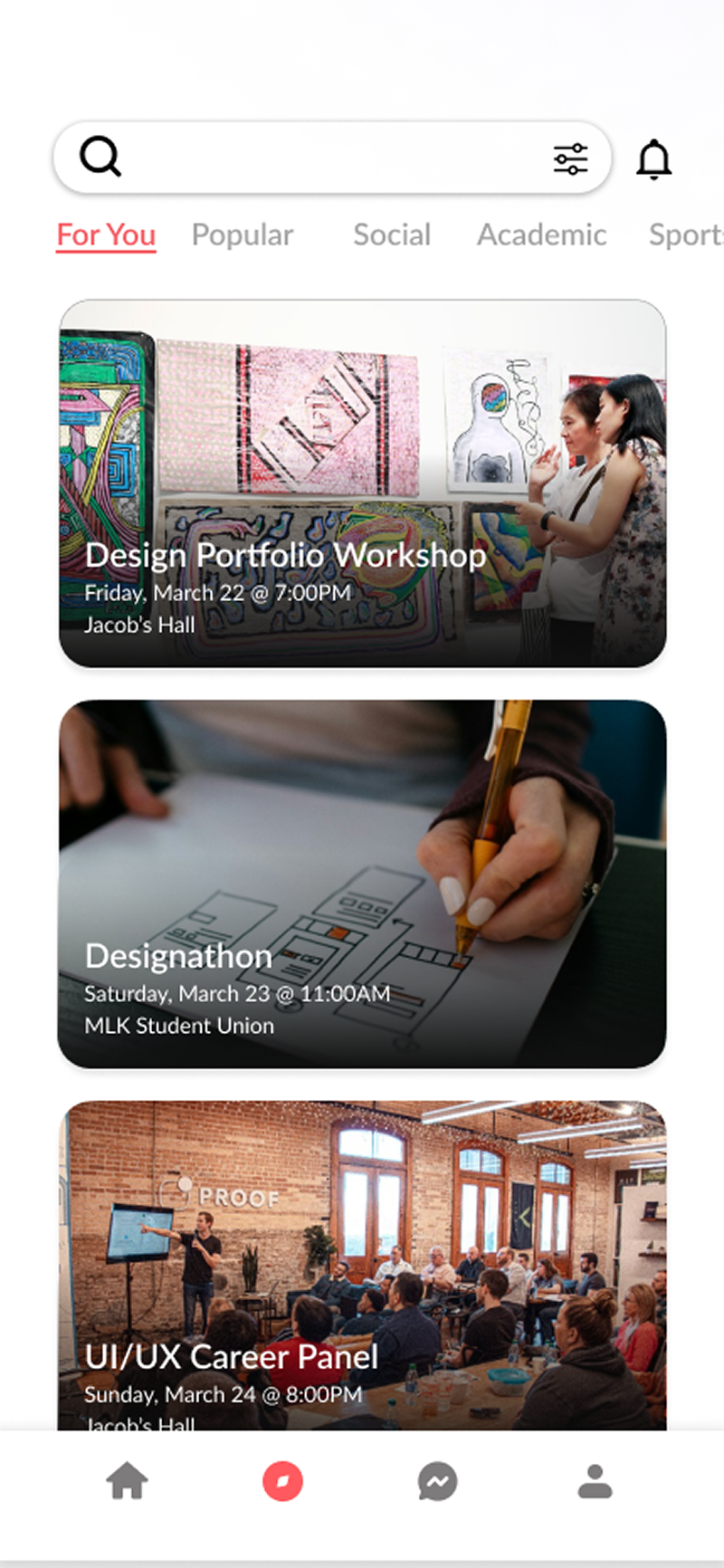
Search tab with filters

Expanding the Color Palette

Based on the bright coral color, a spectrum was chosen to give the app an overall vibrant and fun feel.

Final Design

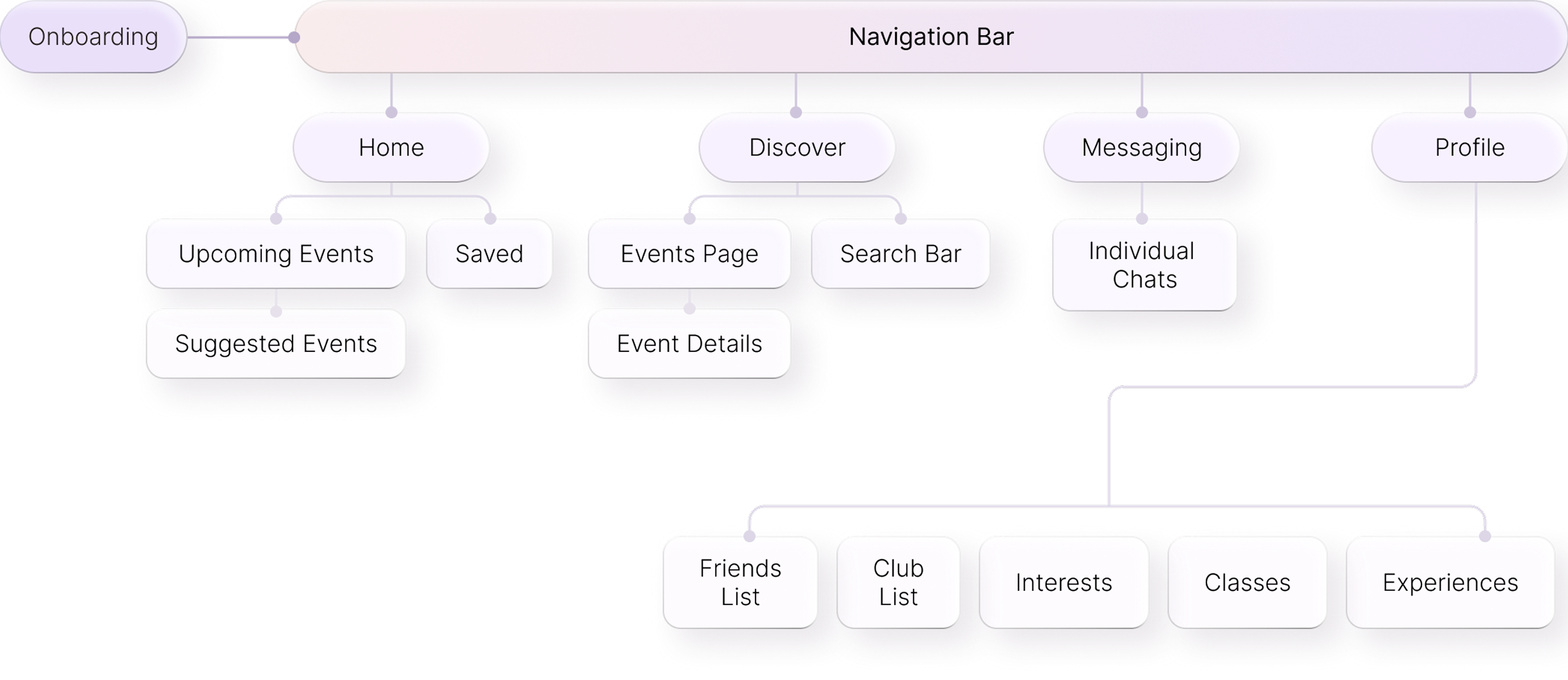
Final User Flow

Final user flow from onboarding through navigation and core screens.

Features

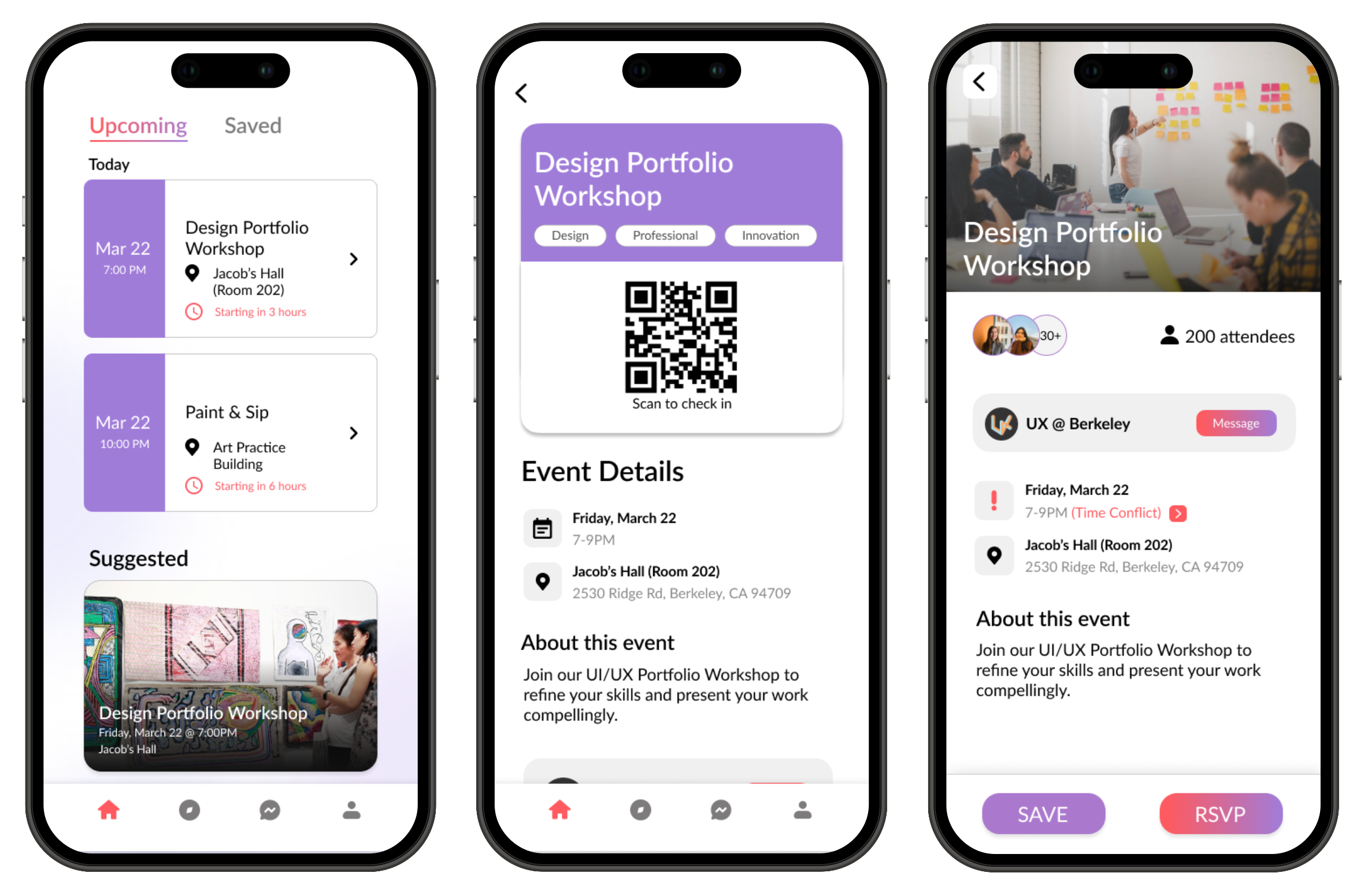
Home page with upcoming & suggested events

A home page that tracks all upcoming and saved events. Easily accessible event info and QR codes for check-in, with suggested events at the bottom.

Onboarding flow GIF

Onboarding that verifies school information, collects personal info, interests, and enrolled classes.
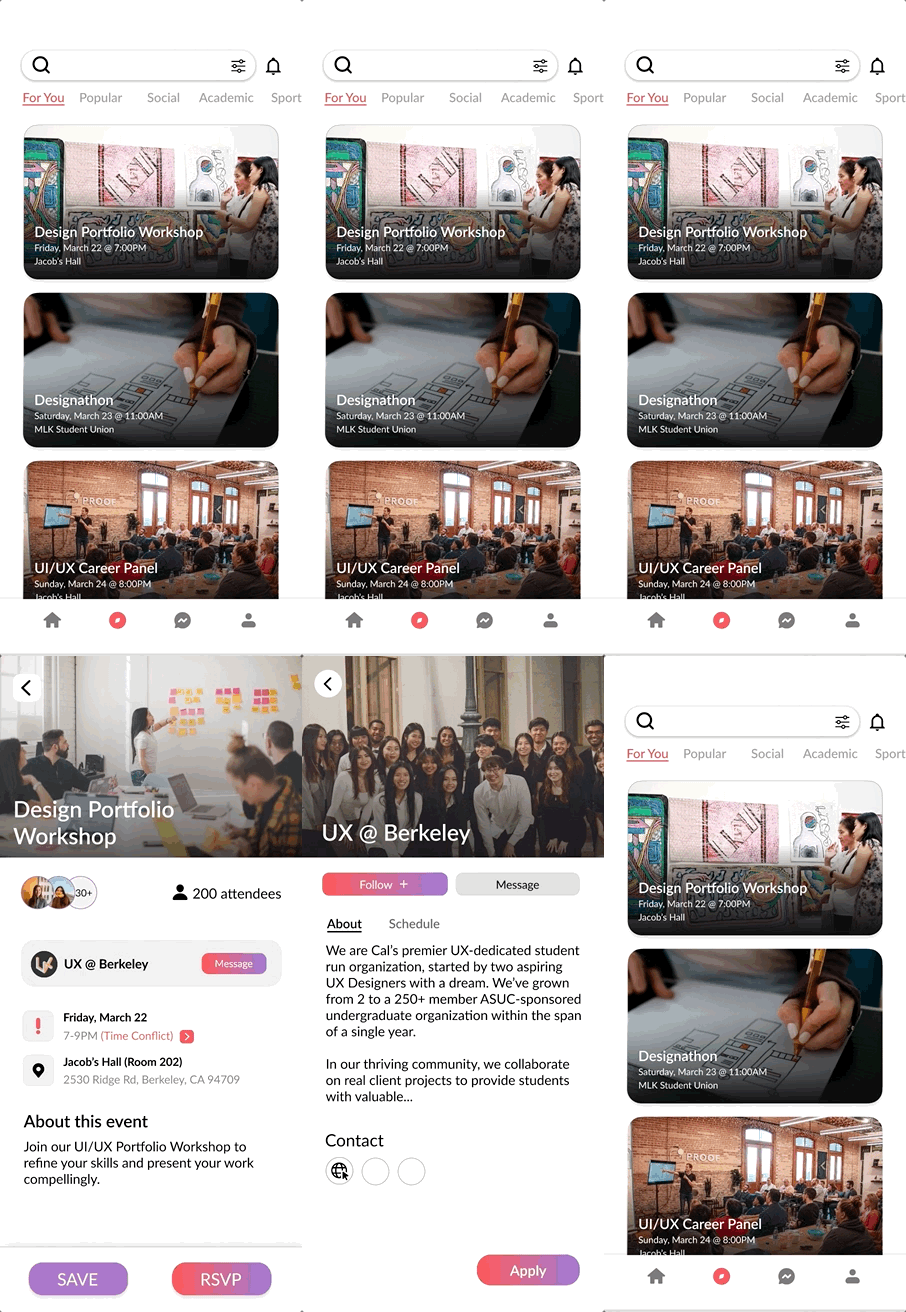
Personalized search page with filters

A personalized search page with filters that simplifies discovering campus events and shows info about host clubs/organizations.
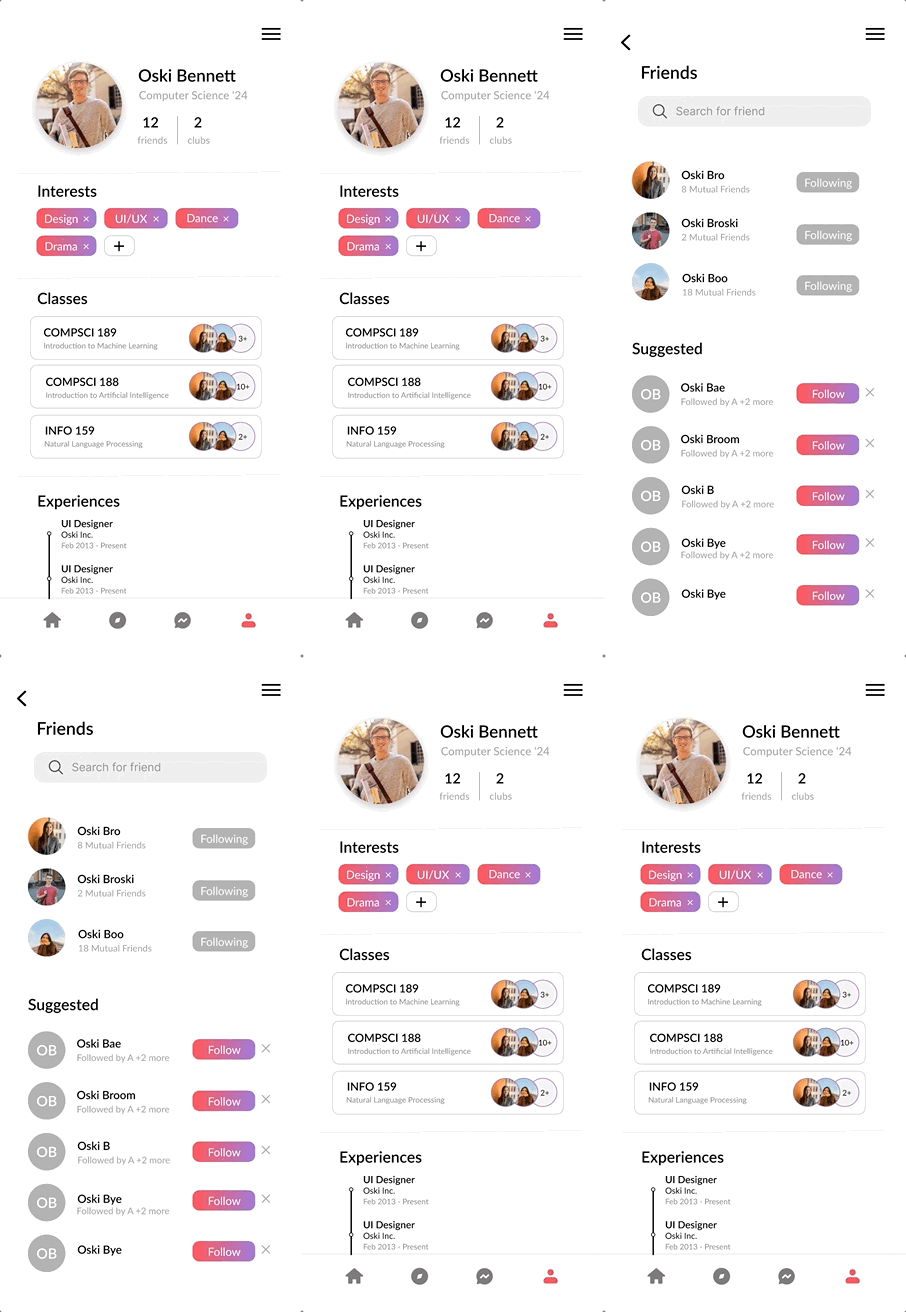
Detailed profile page with interests and classes

A detailed profile page where users can update interests any time and view classes and experiences.

Personalized search page with filters

Dark Mode

Final Collaboration Experience Demo